
AI resources
Integrate your SmartApp with Point Smart
Transform your payment experience by integrating your company's own business management applications (SmartApp) with Mercado Pago's Point Smart. The applications are private, with a closed distribution model for exclusive company use. This way, your company gains access to the main functionalities of the Point Smart terminal integrated into your business management application.
In-person payments
Customized experience for your business
Multiple payment methods
Access to Point terminal functionalities
Available SmartAppsBelow we show the types of applications that can be integrated with the Point terminal and their characteristics.

Technology
Technology
Native AndroidTechnology
Native Android, Ionic and FlutterOperation model
Operation model
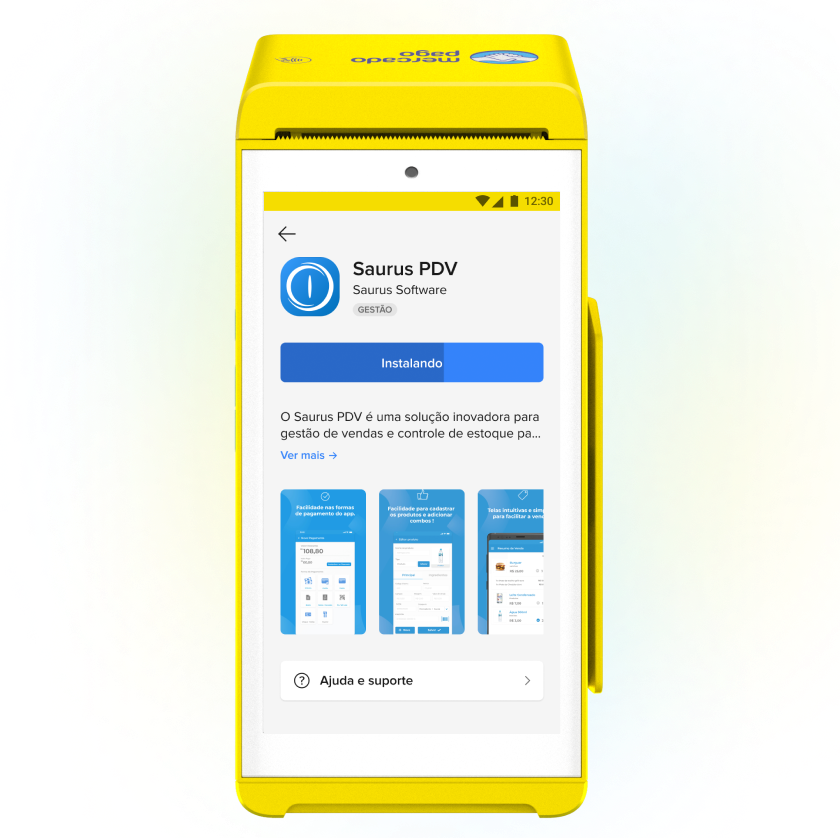
Once integrated, the application becomes the main interface of the terminal.Operation model
Once integrated, you can download the application from the terminal marketplace.Card payments
Card payments
Debit, credit and prepaid cards, with chip, NFC and magnetic stripe technology.Card payments
Debit, credit and prepaid cards, with chip, NFC and magnetic stripe technology. What it offers
Once integrated, your SmartApp can use the Point terminal functions that complement the payment experience.
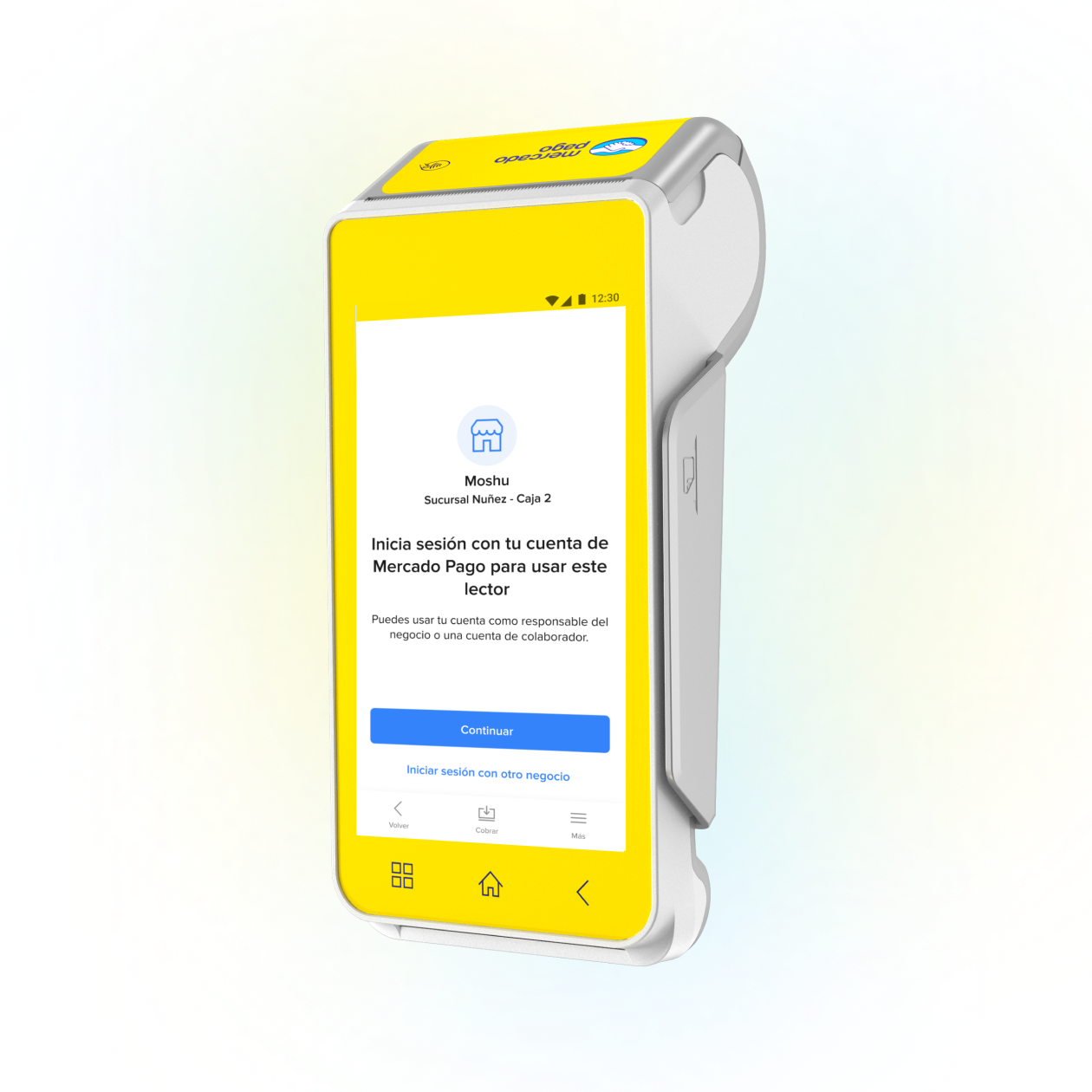
- Access to the application through login on the Point terminal.
- Access to the camera for reading barcodes, which is essential for facilitating in-person payments and improving the business consumption experience.
- Bluetooth connection with keyboards, printers and barcode readers.
- Allows the customized printing of any receipt you need for your business.
Login
Camera
Bluetooth
Printing
How it works
By integrating your SmartApp with the Point terminal, payments are processed in a unified way and you also gain access to the main terminal resources. This reduces the possibility of operational errors and ensures synchronization between your system and Mercado Pago.

- Create the order in the application.
- The application generates the order through the SDK to be processed by Mercado Pago's payment manager on the device.
- The buyer makes the payment through Mercado Pago with the selected payment method and returns to your application.
- The integrated system receives a callback about the payment status and the sale is completed
How to integrate
Learn the necessary steps to integrate your SmartApp with Mercado Pago's Point Smart.
Prerequisites
- Contact with the Mercado Pago business teamBefore creating your application or starting any technical setup, contact Mercado Pago’s Business team. The SmartApp integration and approval process can only begin after this formal contact.
- Development kitTo start the integration, download the Development kit provided by Mercado Pago.
- Android StudioInstall the Android development environment to compile and debug SmartApps.
- Mercado Pago Point Smart (development version)Unlike production devices, development devices have the USB port enabled by default and debugging configuration activated, which is necessary to compile any SmartApp. To get one of these devices, you need to contact the account's commercial advisor.
- Updated version of SmartPOS (terminal operating system)For you to be able to test your integration, it is necessary that the SmartPOS system of the test terminal is updated to the Sandbox version. This updated version must be requested from the Mercado Pago team responsible for your integration process.
- Mercado Pago Point Smart (production version)Mercado Pago Point is the Mercado Pago payment terminal that allows buyers to make in-person payments quickly and securely using credit or debit cards. If you haven't done so yet, go to the store.
- Mercado Pago app on your phoneAlong with the terminal, it is necessary to have the Mercado Pago application installed on your phone to log in. You can download it for Android or iOS devices.
- Mercado Pago accountYou need to create a user in Mercado Pago (or Mercado Libre) to have a seller account.
Integration process
- Install the development kit on the debug terminal.
- Send to Mercado Pago the APK file and necessary information for approval.
- Wait for the application approval by Mercado Pago.
- Monitor the distribution of the application on the Point Smart terminals that will be used.
flowchart TD
    A[Create a Mercado Pago application from Your integrations] --> B[Install the development kit]
    B --> C[Install your SmartApp]
    C --> D[Integrate the payment flow SDKs]
    D --> E[Test your integration]
    E --> F[Create stores and points of sale]
    F --> G[Send to Mercado Pago the APK file and the information for approval]
    G --> H[Monitor the application distribution on Point Smart terminals]