
AI resources
Integrate Mercado Pago Point into your Point of Sale
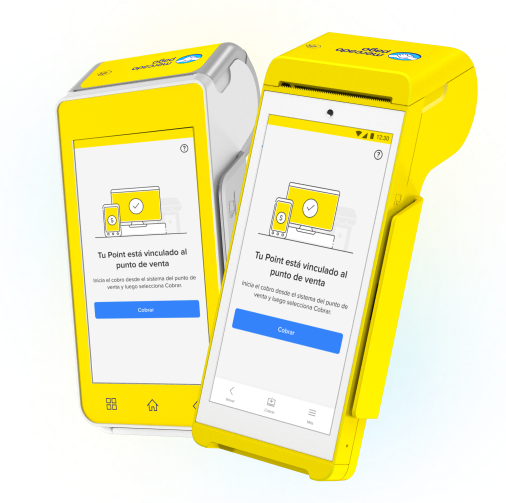
Transform the payment experience by integrating Point terminals into your point of sale (POS) system. This integration allows you to process in-person payments with cards (including meal cards), and perform an automatic reconciliation of your sales with Mercado Pago in a unified manner.
In-person payments
Multiple payment methods
Automatic reconciliation
Mercado Pago is evolving the way we integrate, and we're now offering a new API for integrations with Mercado Pago Point, which will replace the current one. If you're integrating this payment solution for the first time, access the new integration documentation with Orders API.
If you already have an integration with Point, you will soon receive more information about the migration process.
If you already have an integration with Point, you will soon receive more information about the migration process.
How it works
How to integrate
By integrating payments with the Point terminals, you will link them directly to your point of sale system. This way, you can process payments in a unified manner, reducing the possibility of unintentional errors and ensuring synchronization between your system and Mercado Pago.
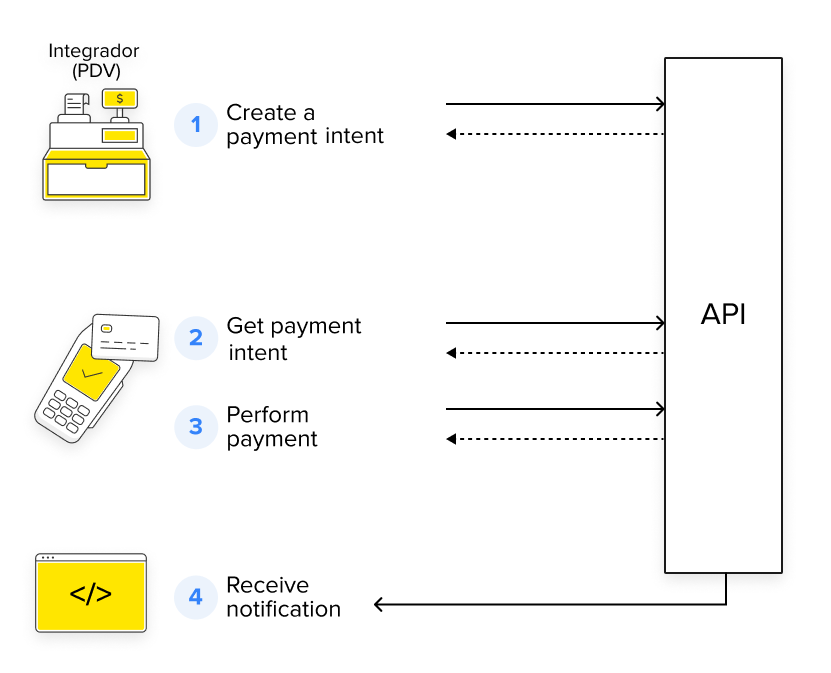
- Create a charge from your system through a payment intent.
- Load your payment intent in the terminal by pressing the charge button or view button, depending on the device.
- The buyer makes the payment with the selected payment method.
- The integrated system receives notification of the payment status.
What it offers
Unlike models without integration, where each payment must be processed and reconciled manually, integrating Mercado Pago Point into your point of sale transforms your experience.
- Manage payments directly from your system.
- Automatically reconcile operations with Mercado Pago.
- Offer multiple payment methods and adapt to each buyer.
- Optimize your business's performance by automating tasks and reducing errors in collections and reconciliation.
- Protect data involved in transactions using HTTPS protocols and OAuth authentications.
Agility in management
Payment experience
Efficiency and security
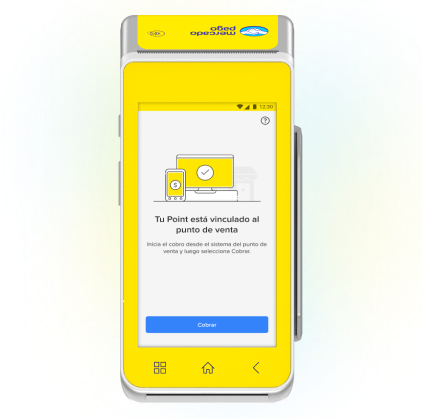
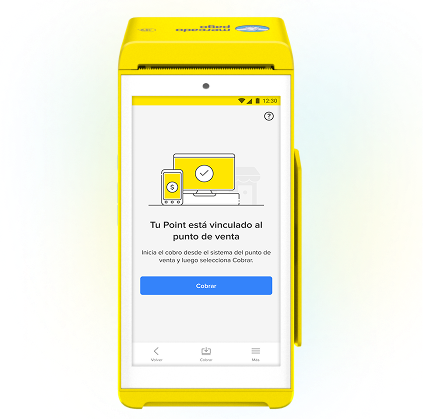
Available terminalsThe terminals that will allow you to integrate your POS system with Mercado Pago Point are as follows. If you do not have one, access the official store.
Card payments
Card payments
Debit, credit and prepaid, with chip technology, NFC and magnetic stripe.Card payments
Debit, credit and prepaid, with chip technology, NFC and magnetic stripe. How to integrate
Learn the steps you need to follow to integrate Mercado Pago Point into your point of sale.
Prerequisites
- Mercado Pago Point Smart terminalTo offer in-person payments through Point, it is necessary to acquire the machine. If you haven't done so yet, go to the store.
- Mercado Pago app on your phone
- Mercado Pago accountYou need to create a user on Mercado Pago or Mercado Libre to have a seller account.
Integration process
- Create your application from Your integrations.
- Configure your Point terminal.
- Integrate payment processing.
- Set up your payment notifications.
- Test your integration.
- Go to production.
  flowchart TD
                A[Create your application from Your integrations] --> B[Configure your Point terminal]
                B --> C[Integrate payment processing]
                C --> D[Set up your payment notifications]
                D --> E[Test your integration]
                E --> F[Go to production]